GOAT USA Food Digital Stickers
The Story
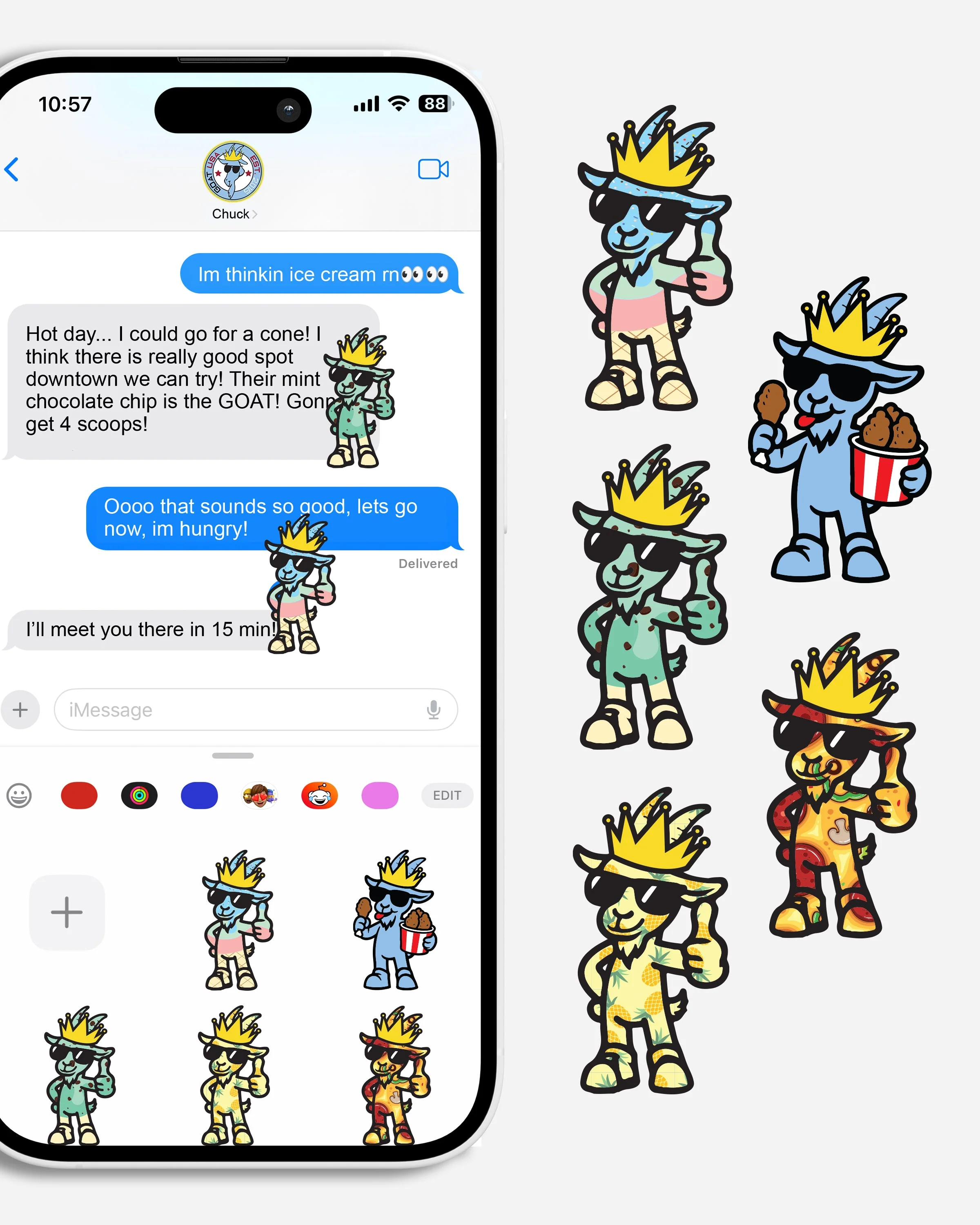
Included are 5 original GOAT USA digital stickers for iMessage.
They’re completely free—just add them to your cart and check out as usual. Once your order is complete, you’ll receive an email with a link to download your digital stickers plus a step-by-step instruction sheet on how to add them to iMessage.
Enjoy your new GOAT USA digital stickers!
How to Add GOAT USA Stickers to iMessage
-
Download from the Website
Choose “Add to Photos” or “Save Image”. -
Open the Photos App
Find the sticker you just saved in your Camera Roll. -
Create a Sticker
- Tap the photo to open it.
- Tap and hold on the sticker’s image until it “lifts” from the background.
- Tap Add Sticker in the popup menu.
-
Use in iMessage
- Open Messages and start a conversation.
- Tap the “+” button (iOS 17+) and choose Stickers.
- Your GOAT sticker will be there — tap to send or drag onto messages.
Description
Included are 5 original GOAT USA digital stickers for iMessage.
They’re completely free—just add them to your cart and check out as usual. Once your order is complete, you’ll receive an email with a link to download your digital stickers plus a step-by-step instruction sheet on how to add them to iMessage.
Enjoy your new GOAT USA digital stickers!
How to Add GOAT USA Stickers to iMessage
-
Download from the Website
Choose “Add to Photos” or “Save Image”. -
Open the Photos App
Find the sticker you just saved in your Camera Roll. -
Create a Sticker
- Tap the photo to open it.
- Tap and hold on the sticker’s image until it “lifts” from the background.
- Tap Add Sticker in the popup menu.
-
Use in iMessage
- Open Messages and start a conversation.
- Tap the “+” button (iOS 17+) and choose Stickers.
- Your GOAT sticker will be there — tap to send or drag onto messages.